02 // SCREENSHOTS
See it in action
 ██████╗ ██╗████████╗██████╗ ██╗   ██╗███████╗██╗  ██╗    ██████╗ ██████╗  ██████╗
██╔════╝ ██║╚══██╔══╝██╔══██╗██║   ██║██╔════╝██║  ██║    ██╔══██╗██╔══██╗██╔═══██╗
██║  ███╗██║   ██║   ██████╔╝██║   ██║███████╗███████║    ██████╔╝██████╔╝██║   ██║
██║   ██║██║   ██║   ██╔═══╝ ██║   ██║╚════██║██╔══██║    ██╔═══╝ ██╔══██╗██║   ██║
╚██████╔╝██║   ██║   ██║     ╚██████╔╝███████║██║  ██║    ██║     ██║  ██║╚██████╔╝
 ╚═════╝ ╚═╝   ╚═╝   ╚═╝      ╚═════╝ ╚══════╝╚═╝  ╚═╝    ╚═╝     ╚═╝  ╚═╝ ╚═════╝
Push any file to GitHub. No PC needed.
GitPush Pro is a lightweight Android app that lets you push any file directly to your GitHub repository from your phone.
Set up your token and repository URL once. Everything is saved. After that — just pick a file and push.
Go to GitHub Settings → Developer Settings → Personal Access Tokens → enable repo scope
Open the app → enter your Token and Repository URL → tap Connect Repository
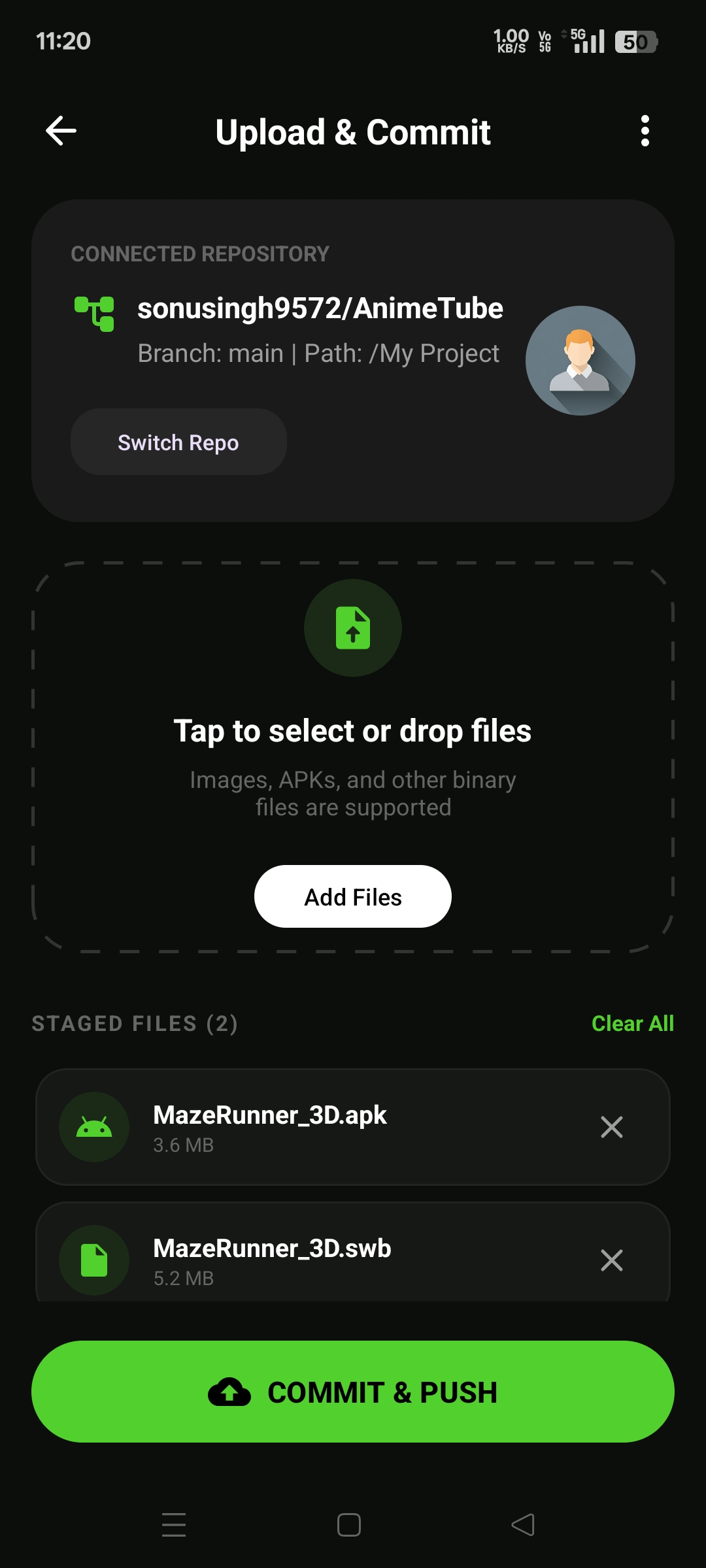
Tap Select Files → pick your APK, .swb, or any file → add to staging
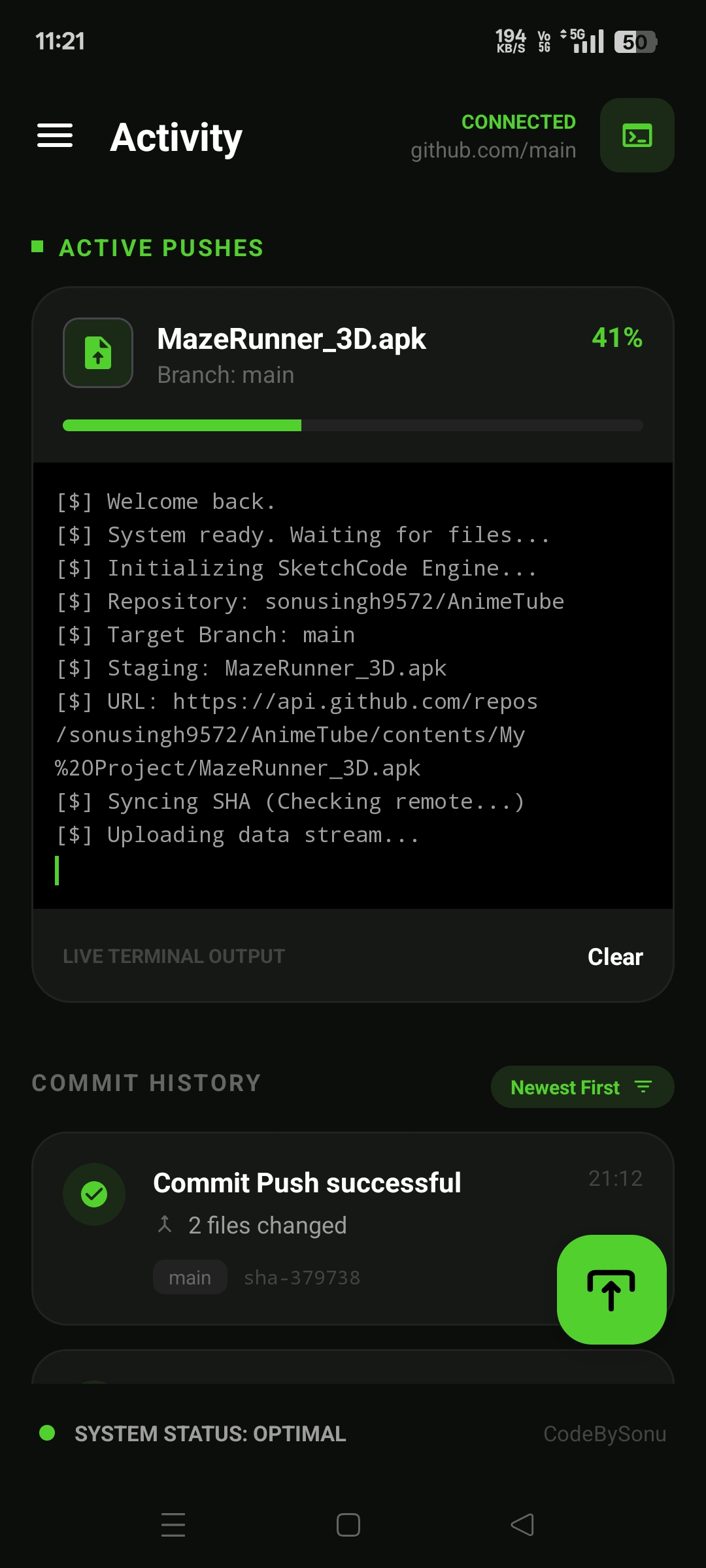
Write a commit message → tap COMMIT & PUSH → live terminal shows the progress
Found a bug? → Open an Issue